Direct Call · Android
Direct Call Find a familiar face. Choose a number.
Looking up the same people again and again? Keep your frequent contacts in Direct Call and find them by photo, name or phone number.
Website translations are separate from app language support.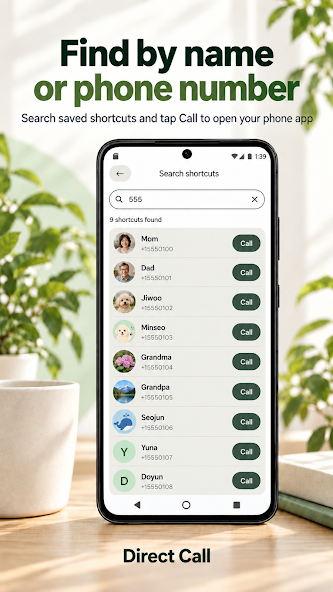
For the people you call regularly
Create a focused list for family, friends or regular business contacts. Instead of replacing your entire address book, Direct Call gives your frequently used numbers a place of their own.
A contact list you can recognize
Recognize a photo
Personalize shortcut cards with photos, GIFs or name initials.
Search a name or number
Search across your saved list and choose the right number when someone has more than one.
Arrange your groups
Create up to two custom groups and include the same person in several groups.
Know what you can add, find and change
The feature guide explains manual entry, optional contact import, multiple numbers, list editing and groups, together with their limits.
Start with one person
Enter a name and number without granting contacts permission. Reading device contacts is only needed when you choose to import them. Save the person, then follow the manual to find a number and open your phone app.
Your shortcut list stays on the device. There is no in-app account or server contact sync.